University of Chemistry and Technology, Prague thesis
Academic
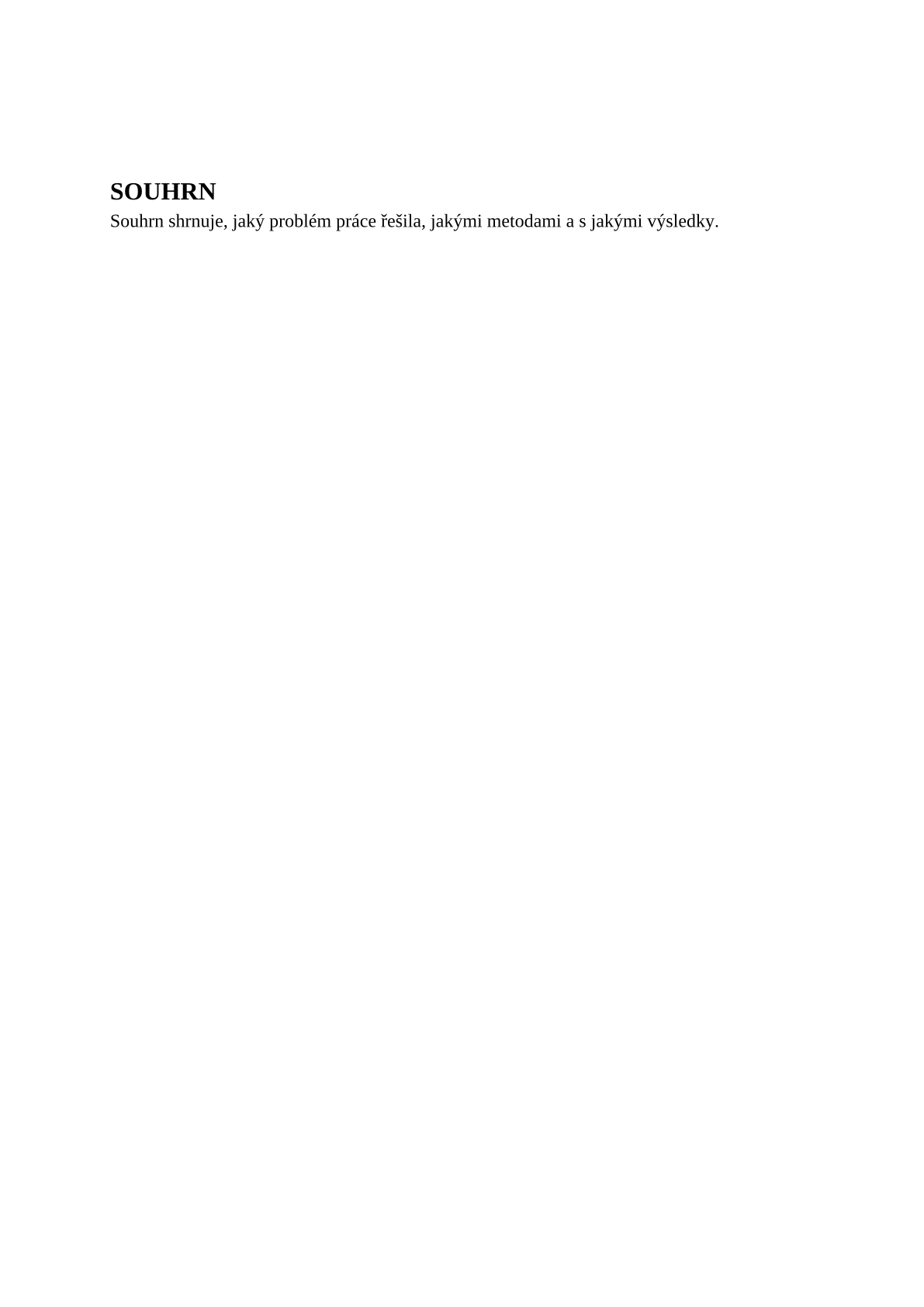
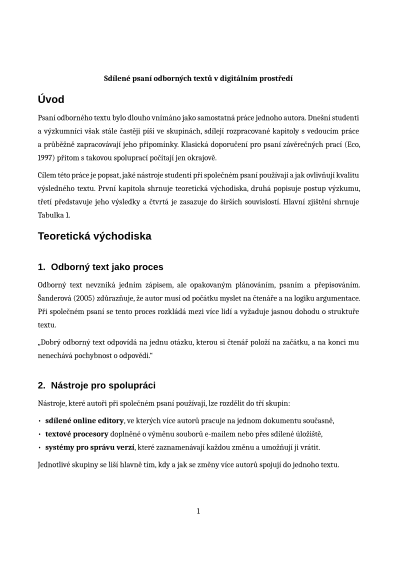
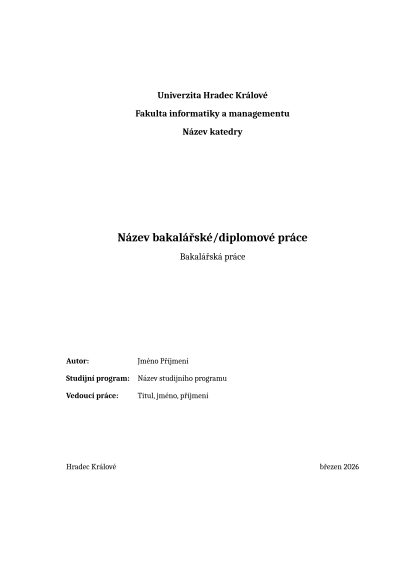
Following the thesis template of the University of Chemistry and Technology, Prague (a Word document in a Czech and an English version, page Závěrečná práce), which the Faculty of Chemical Technology, the Faculty of Environmental Technology and the Faculty of Chemical Engineering use; these faculties have no layout rules of their own. For the Faculty of Food and Biochemical Technology, chosen by the faculty switch, following the faculty's template and its Guide to Writing Final Theses (2025), the guide taking precedence over the template. The templates state no licence, so their dimensions and styles are taken over; the code and the texts are our own. The title pages, the cover and the signed declaration come from the university's cover generator, so the template starts with the summary; on request it adds a page with the declaration in the wording of Annex 3 of Directive A/S/961/1/2026. A bachelor's, master's or doctoral thesis in Czech, Slovak or English: the summaries in Czech and English (an English thesis outside FPBT has the English summary only), the acknowledgements, the table of contents, chapters numbered 1, 1.1 and 1.1.1 (each on a new page), the page number at the bottom centre from the introduction, captions Fig. 1.1 below figures and Table 1.1 above tables, the references, the lists of abbreviations, symbols, tables and figures and appendices. A4, 2.5 cm margins (3.5 cm for a dissertation outside FPBT), Liberation Serif (metrically identical to Times New Roman) 12 pt, 1.5 line spacing.
- Format
- A4 portrait
- Languages
- CzechCSCzech (default)SlovakSKSlovakEnglishENEnglish
- Margins
- 2.5 cm on all sides
- Body text
- Liberation Serif (Times New Roman) 12 pt (disertace i 11 pt), řádkování 1,5, do bloku, za odstavcem 10 pt (FPBT 6 pt)
- Headings
- Liberation Serif tučně, 16 / 14 / 12 pt, kapitoly verzálkami na nové straně
- Numbering
- 1 / 1.1 / 1.1.1 (bez tečky za číslem)
- Page number
- no page numbers
- Citations
- IEEEcan be changed
The template sets the look of the PDF. You write the content.