Skip to content

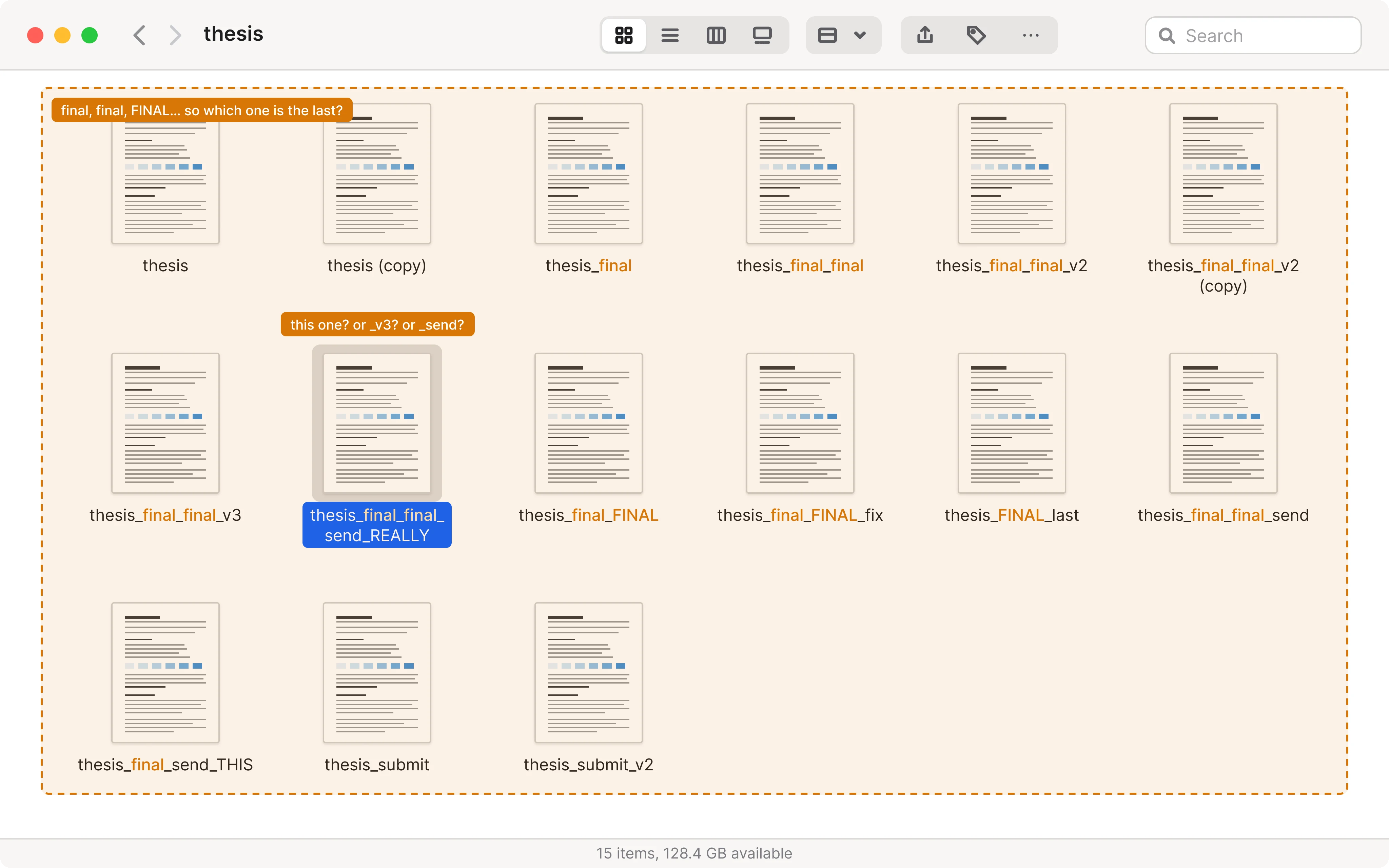
Your last versiondoesn't have to be calledfinal_final_v3.pdf

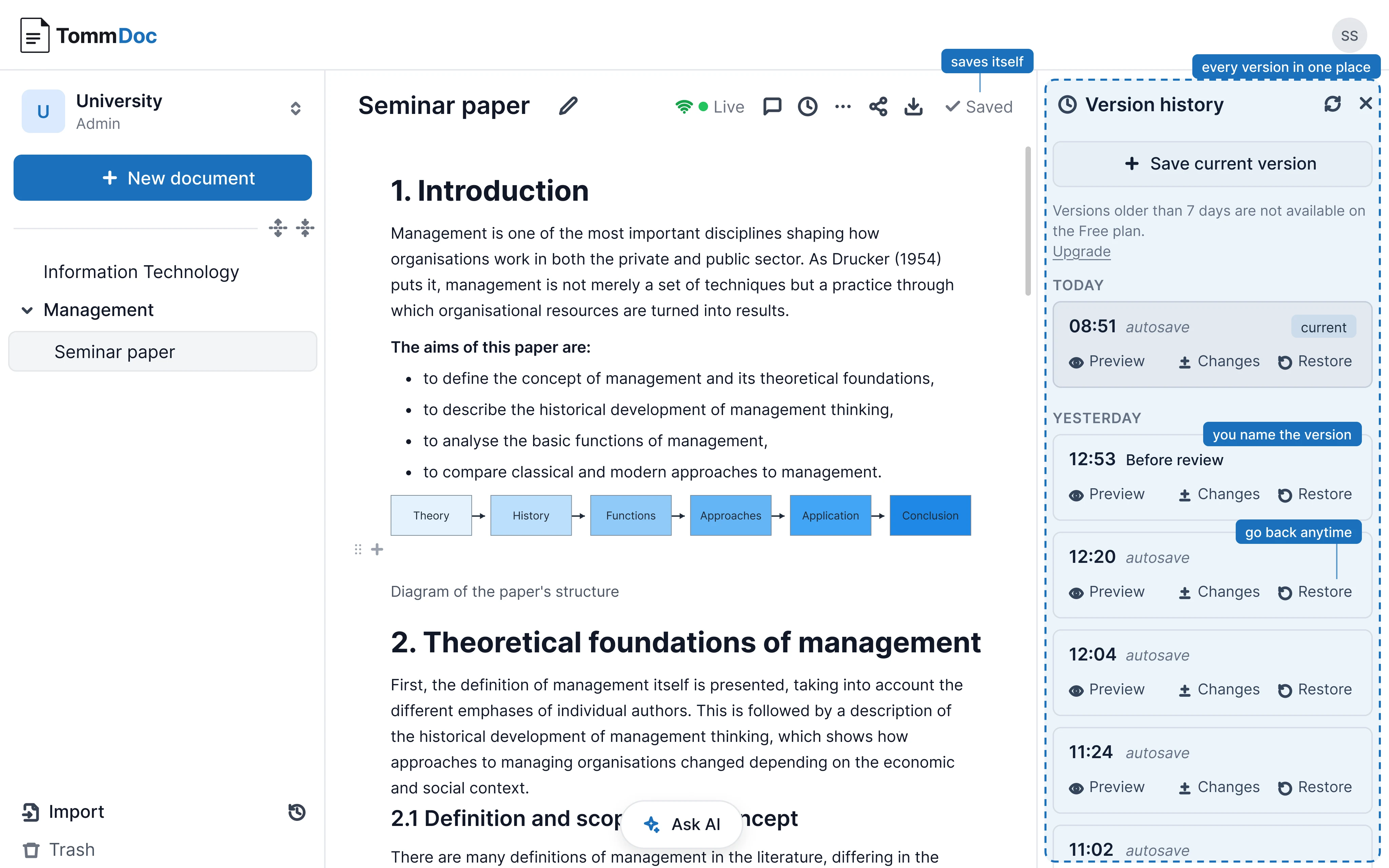
Every version of your document, kept in one place. Go back anytime, no copies, no renaming.
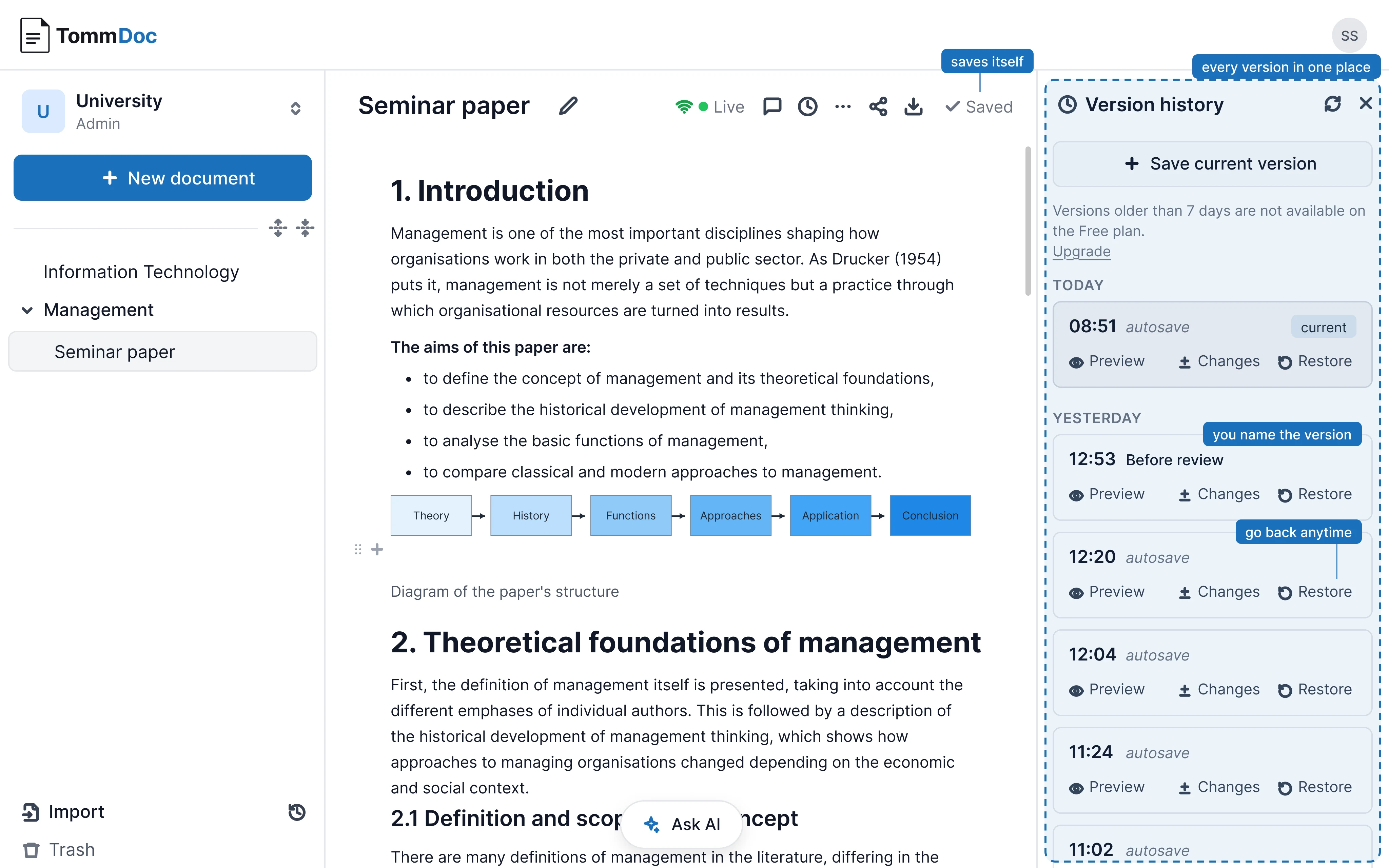
The TommDoc editor with the version history panel: autosaves and named versionsThe TommDoc editor with the version history panel: autosaves and named versions
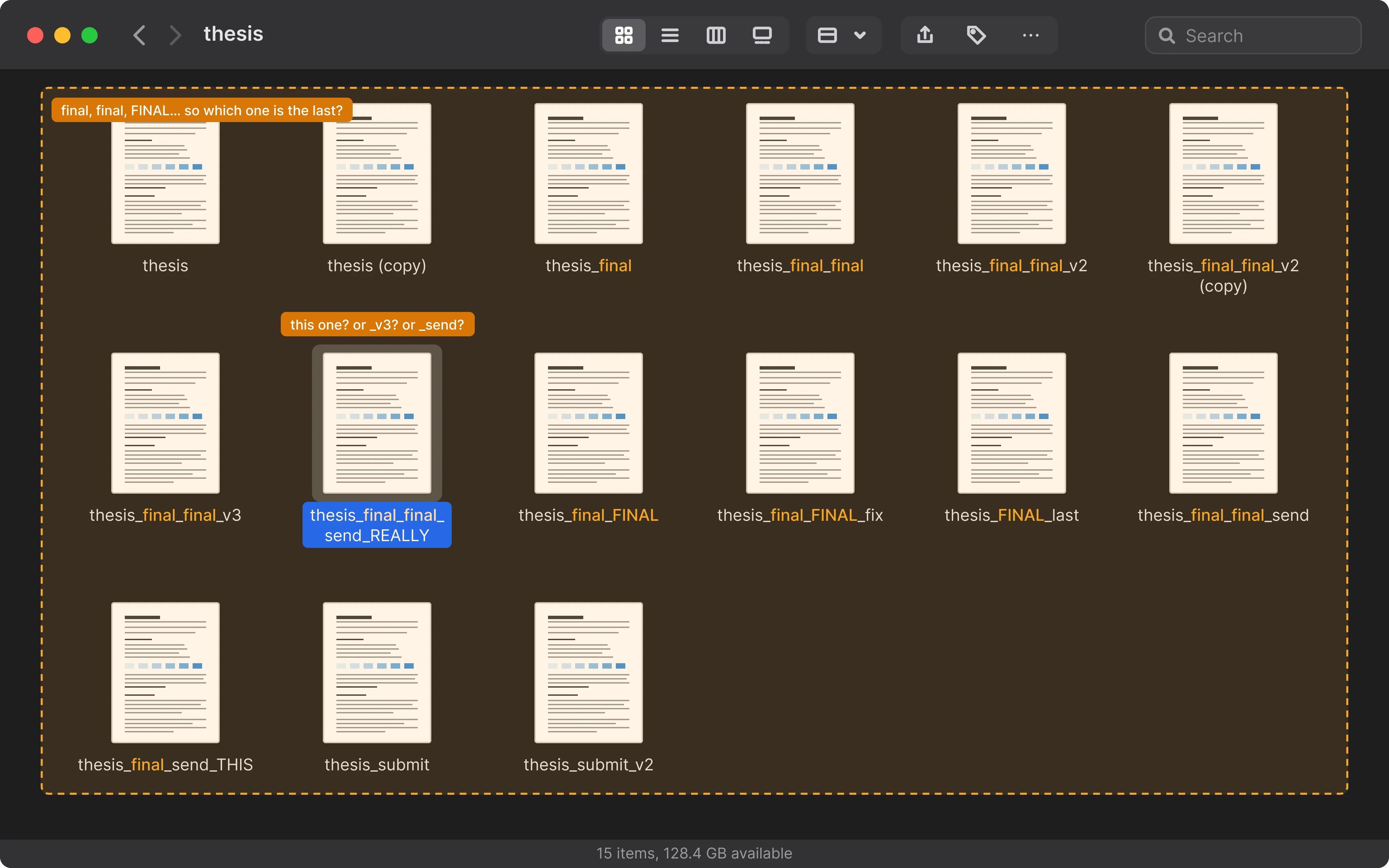
A folder full of copies of one document: thesis, thesis (copy), thesis_final_final_v3A folder full of copies of one document: thesis, thesis (copy), thesis_final_final_v3

HOW IT WORKS

Six steps to create your document

STEP 01

Create a new document

Start from a blank page or pick a template. Your document is added to your workspace's document tree.

tommdoc.com
STEP 02

Write in the block editor

Headings, tables, code, diagrams, or callouts: insert any block with a slash command. Your document grows exactly the way you need it to.

tommdoc.com
STEP 03

Invite teammates and work together

See cursors, edits, and comments update live, in real time. No conflicts, no page refresh.

tommdoc.com
STEP 04

Get help from AI

Ask a question, expand a paragraph, generate a diagram, or run a collaborative edit with multiple AI agents, all from the prompt bar right inside the editor.

tommdoc.com
STEP 05

Browse your version history

Every save is a snapshot. Look back at an older version, compare changes, or restore it any time.

tommdoc.com
STEP 06

Export to PDF

Pick a custom template, academic, corporate, or contract, and download the finished document, ready to send.

tommdoc.com

PRICING

Simple, transparent pricing

Free

One workspace, room for up to three collaborators.

$0/mo
  • 3 collaborators
  • 50 documents
  • AI assistant (own key or managed, beta free)
  • Real-time collaboration
  • Version history (7 days)
  • Email support
MOST POPULAR

Team

For teams that need more collaborators and documents.

$3/user/mo
Everything in Free
  • Unlimited documents
  • Priority support

Enterprise

Custom pricing for large organizations with specific needs.

Custom
Contact Us
Everything in Team
  • SSO (OIDC / LDAP)
  • Dedicated support + SLA
  • Unlimited version history

FAQ

Frequently asked questions

How does real-time collaboration work?
Every keystroke shows up instantly for everyone who has the document open, no refresh, no version conflicts to resolve.
How is TommDoc different from Notion, LaTeX, or Word?
TommDoc combines the flexible, collaborative writing of Notion with the rigid, professional document structure of LaTeX. PDF export keeps formatting and pagination exactly as defined by the template, unlike Word, where layout drifts as you edit, or Notion, which doesn't preserve structure or pagination on export.
Can I self-host TommDoc?
Yes, TommDoc is available as an on-premise deployment for Enterprise customers. You get full control over data residency and infrastructure.
What export formats are supported?
TOMM exports to PDF, based on the template you have set up.
How do templates work?
The template holds your formatting, typography, page layout, and headers, based on the settings you configured for it.
Is my data secure?
All data is encrypted at rest and in transit. Each workspace's data is fully isolated. Enterprise customers can opt for on-premise deployment for complete data sovereignty.

The deadline will not wait.